
By IT Defined Team | April 18, 2026
A real AWS FinOps case study from Bangalore — how we identified $14,000/month in waste and reduced a client's monthly bill by 47% without changing any application code.
Setting the scene
Late 2025, a Bangalore-based fintech reached out. They had grown fast over two years — 3 engineers to 28 — and their AWS bill had grown faster. From around $4,000/month to $30,000/month (roughly Rs 25 lakh/month). The CTO was anxious, the CFO was furious, and nobody in the engineering team had really focused on cost.
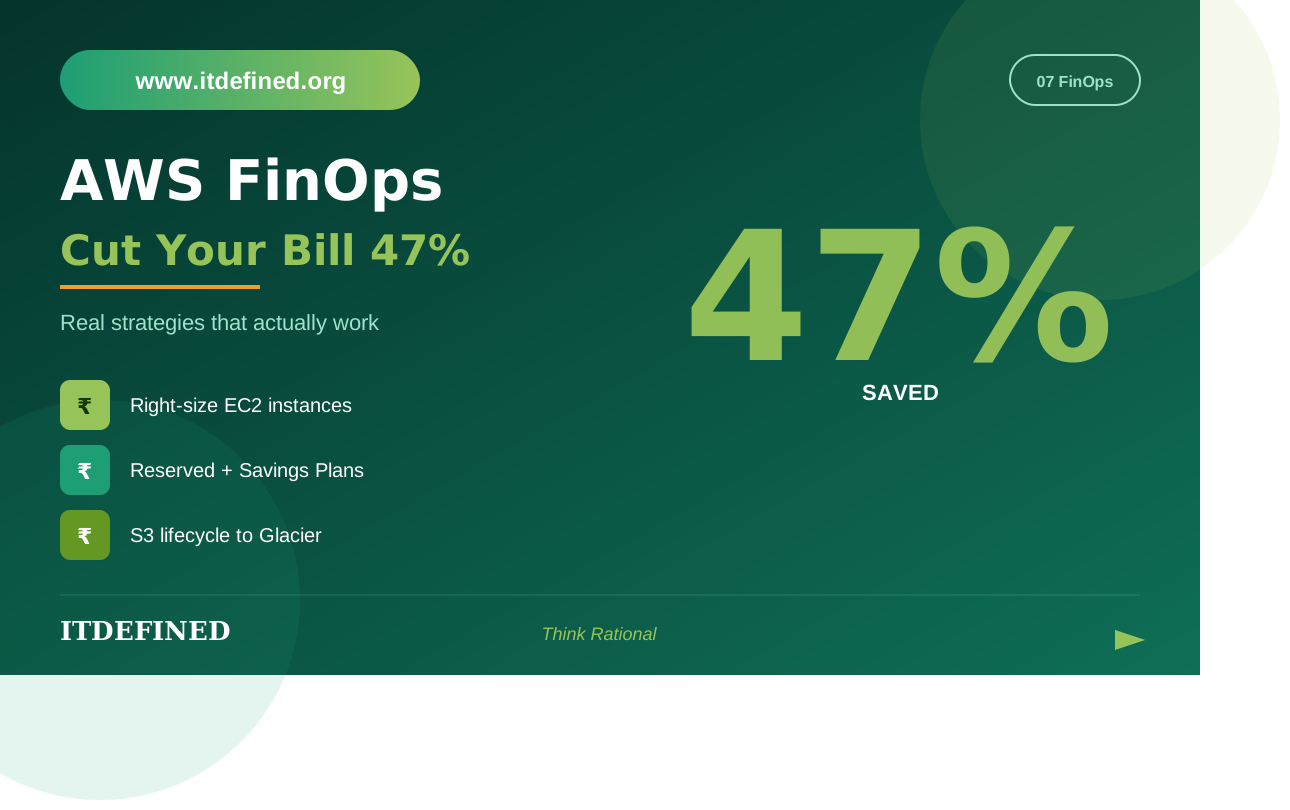
We did a 3-week FinOps engagement. By the end, monthly spend was down to $16,000 (Rs 13.3 lakh) — a 47% reduction. No application code was modified. No services were turned off that affected customers. Mostly we found waste, oversizing, and missing reservations.
I'm sharing the playbook because most of these patterns repeat across companies. If your AWS bill feels too high, there's a 60-70% chance you have at least Rs 2-3 lakh/month in waste sitting on the table.
Step 0: Get the data right before changing anything
First mistake people make: they hear "reduce AWS bill" and immediately start turning things off. Don't. You'll cause an outage and lose trust. Get the data first.
Tools we used:
- AWS Cost Explorer — for high-level trends, filter by service, by tag, by linked account
- Cost and Usage Reports (CUR2 schema) — exported to S3, queried in Athena. This is where the gold is.
- AWS Trusted Advisor — flags obvious waste like idle EBS volumes
- AWS Compute Optimizer — for rightsizing recommendations
- AWS Cost Anomaly Detection — for catching unexpected spikes
Spent the first 4 days just understanding where the money went. Tagged every resource (most weren't tagged — that itself was a finding).
Finding 1: Idle and unattached EBS volumes — Rs 1.2 lakh/month
Across the AWS account, we found 187 EBS volumes not attached to any instance. Many were left over from terminated EC2 instances where someone had set DeleteOnTermination to false. Some were 500GB gp2 volumes from a database test that ran in 2024 and never got cleaned up.
Action: review each volume, snapshot anything that looked potentially valuable, delete the rest. Saved roughly Rs 1.2 lakh/month.This is the most embarrassing finding to have. It's also the most common.
Finding 2: Old EBS snapshots accumulating — Rs 65,000/month
Snapshots are cheap per GB but they add up. The client had snapshots going back to 2022 — manual snapshots that engineers took before risky deploys and never deleted. Plus AMI snapshots from old golden images.
Action: kept the most recent 30 days of snapshots and any tagged "keep" or "compliance." Deleted the rest. Set up DLM (Data Lifecycle Manager) for automated retention going forward.
Saving: Rs 65,000/month.
Finding 3: Oversized RDS instances — Rs 2.1 lakh/month
The biggest single win. They had 4 RDS instances, all on db.r5.4xlarge. Average CPU utilization across all four was under 12%. Memory utilization was 30-40%.
Compute Optimizer recommended dropping all four to db.r5.xlarge. We didn't trust it blindly — instead we ran load tests in staging, monitored closely after each prod change, and dropped them in stages over a week.
Result: rightsized to db.r5.xlarge. CPU sat at 35-50%, plenty of headroom. Saved Rs 2.1 lakh/month. Plus we converted the rightsized instances to Reserved Instances for an additional 30% off — that's another Rs 60,000/month bringing the RDS savings to Rs 2.7 lakh.
Lesson: developers oversizes databases massively. Always. Never trust the original sizing.
Finding 4: NAT Gateway egress — Rs 1.8 lakh/month
Their EKS cluster had 4 NAT gateways across multiple AZs (correct for HA). But they were processing 8TB/month of egress traffic, and the bulk of that was pulls from public Docker Hub and pip installs.
Two fixes:
- Set up VPC endpoints for S3, ECR, and other AWS services that pods were talking to. This cut roughly 30% of NAT traffic.
- Set up an internal pull-through cache in ECR for Docker Hub images. Pods now pull from the regional ECR pull-through cache instead of Docker Hub through NAT. Cut another 40% of NAT traffic.
Total NAT savings: Rs 1.8 lakh/month.
NAT Gateway is one of the most underrated cost villains in AWS. $0.045/GB processed adds up brutally.
Finding 5: CloudWatch logs retention — Rs 35,000/month
Default CloudWatch log retention is "never expire." Their oldest log group had data from 2022. Some application logs were 800GB.
Action: set retention policies on every log group. 30 days for application logs, 90 days for infrastructure logs, 1 year for audit logs (or wherever compliance dictated). For logs that needed long-term retention, exported to S3 (cheaper) and deleted from CloudWatch.Saved Rs 35,000/month, plus made the log explorer faster because there's less data.
Finding 6: S3 lifecycle policies missing — Rs 80,000/month
They had 12TB of data in S3 Standard. About 8TB was older than 90 days and effectively never accessed.
Set up lifecycle policies:
- 30 days: transition to Standard-IA
- 90 days: transition to Glacier Instant Retrieval
- 365 days: transition to Glacier Deep Archive (only for backup-type data)
S3 Intelligent Tiering would have done much of this automatically and is what we used for the backup buckets. Worth knowing about.
Saved Rs 80,000/month, mostly painlessly.
Finding 7: Reserved Instances and Savings Plans — Rs 3.2 lakh/month
Their EC2 was 100% On-Demand. They had been running steady production workloads for over a year. Easy win.
We bought a Compute Savings Plan covering about 60% of their baseline usage at the 1-year, no-upfront commitment level. Roughly 27% discount on covered usage.
On top of that, the rightsized RDS instances got Reserved Instances (separate from compute SPs) at 30% off.
Total savings from commitment-based pricing: Rs 3.2 lakh/month.
We didn't go to 100% coverage on purpose — left headroom for usage variability. Going too aggressive on commitments and then not using them is its own waste.
Finding 8: Idle dev/staging environments running 24/7 — Rs 1.5 lakh/month
Their dev and staging environments ran 24/7. Engineers used them maybe 8 hours/day, 5 days/week — that's 24% utilization.
Set up automated start/stop schedules using EventBridge + Lambda:
- Dev/staging EC2 and RDS shut down at 8pm IST
- Start at 8am IST
- Skip weekends entirely
That's about a 70% reduction in dev/staging compute hours. Saved Rs 1.5 lakh/month.
Engineers were initially worried about losing data. Solution: properly use snapshots before stop, document the schedule, give engineers a Slack command to wake up the environment if they need it on a weekend.
Finding 9: Spot for batch workloads — Rs 90,000/month
They had a nightly batch job running on On-Demand m5.4xlarge instances for about 6 hours each night. Perfect Spot use case.
Migrated to Spot via EC2 Auto Scaling Group with mixed instances policy. Saved roughly 70% on those compute costs. Around Rs 90,000/month.
Spot interruption rate during the engagement: about 3%. Built in retry logic. No production impact.
Finding 10: Graviton migration trial — Rs 75,000/month
We did a small experiment: migrated their Node.js workloads to Graviton-based EC2 instances (m6g instead of m5). Graviton is ARM-based, typically 20-30% cheaper for equivalent performance.
Spent two days testing performance and confirming no regressions. Migrated production. Saved roughly Rs 75,000/month on compute.
Caveat: not every workload runs well on Graviton. Test first. Some legacy code, especially anything with native dependencies compiled for x86, won't work.
Total breakdown
Adding it up:
- EBS volumes: Rs 1.2 lakh
- Snapshots: Rs 65,000
- RDS rightsizing + RIs: Rs 2.7 lakh
- NAT Gateway: Rs 1.8 lakh
- CloudWatch logs: Rs 35,000
- S3 lifecycle: Rs 80,000
- Compute Savings Plan: Rs 3.2 lakh
- Dev/staging schedules: Rs 1.5 lakh
- Spot for batch: Rs 90,000
- Graviton: Rs 75,000
Total monthly savings: roughly Rs 13.6 lakh, against the original bill of Rs 25 lakh. That's the 47% reduction.
What we DIDN'T do
Worth noting what we didn't touch:
- Production Kubernetes — we didn't change EKS sizing. The application's actual peak load required what they had.
- We didn't migrate any service to a different one. No "move from RDS to Aurora" or similar. Pure cost engineering, no architecture changes.
- We didn't reduce reliability. HA setups stayed HA. Multi-AZ stayed multi-AZ.
FinOps isn't about being cheap. It's about not spending on things you don't need.
What FinOps looks like as a practice (not a one-time exercise)
After this engagement, we set up:
- Weekly cost review meetings — engineering leads see the numbers
- Cost anomaly alerts in Slack
- Tagging policy enforced via SCPs in AWS Organizations
- Budget alerts at 80%, 90%, 100% of monthly budget
- Showback reports per team — each team sees their cost and is responsible for it
FinOps as a one-time exercise gets you a quick win. FinOps as a practice keeps you efficient over time.
Why this matters for DevOps engineers' careers
FinOps is one of the most underrated career skills in 2026. The DevOps engineers I see getting promoted fastest in Bangalore are the ones who can talk about cost in CFO language, not just "we run on EKS."
If you're a DevOps engineer who can save your company Rs 5-10 lakh/month, you're worth a 25 LPA package easily, even at 3 years experience. We see this play out repeatedly.
Frequently asked questions
Do I need a separate FinOps team?
Companies under 50 engineers usually don't. The DevOps team owns it. Above that scale, dedicated FinOps engineers start to make sense.
What tools beyond AWS native?
Vantage, CloudHealth, Cloudability — third-party FinOps tools. Useful at scale (Rs 50 lakh+/month bills). At smaller scale, native AWS tools are enough.
Is Spot risky for production?
Stateless web tier on Spot is fine if you have a fallback. Databases on Spot is suicidal. Use judgment.
How often should we review costs?
Weekly review of trends. Quarterly deep audit. After any major architecture change.
About IT Defined
IT Defined is a software training institute in Whitefield, Bangalore, offering hands-on programs in AWS DevOps, Full-Stack MERN, Python, and Cybersecurity. We've trained over 2,000 students with live projects, mock interviews, and placement support.
Visit: itdefined.org | Phone: +91 6363730986 | Email: info@itdefined.org